
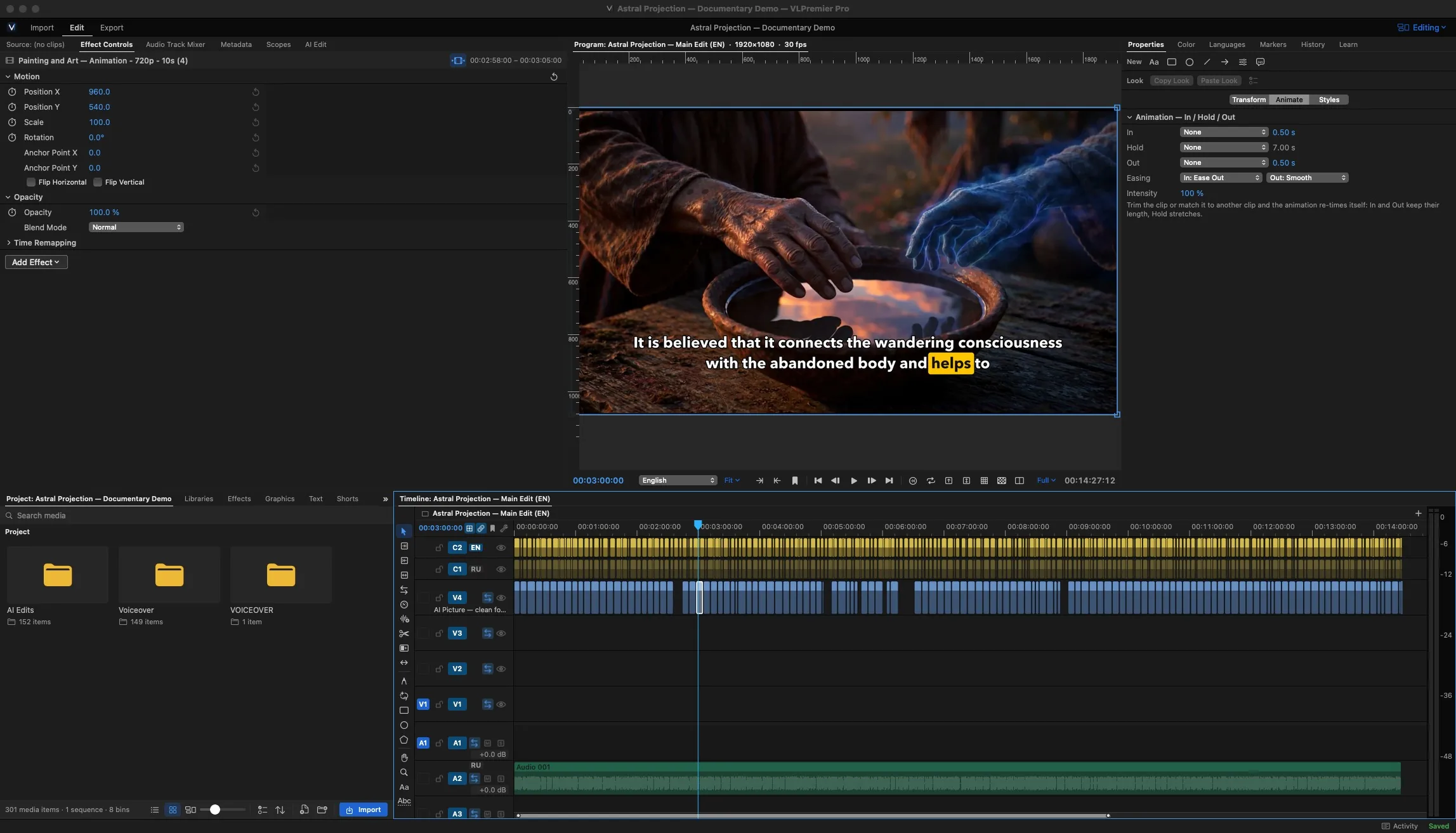
Your first edit: import, cut, export
One narrated video, some b-roll, one finished H.264 file.
Short, chaptered lessons recorded in the current build, so the buttons on screen match yours.
Looking through the guides…Looking for an answer
From Sofia, the site's AI assistant: answers can be wrong. Still stuck? Ask the Community or open a ticket.
From an empty project to a finished upload file, using one narrated video and some b-roll.
Start lesson 1
Sample lesson list. Titles, durations and chapters are placeholders until the lessons are recorded.
One narrated video, some b-roll, one finished H.264 file.

Folders, labels and a first sequence.
4 chaptersWatch: Set up a project and bins

The four trims you'll use on every edit.
5 chaptersWatch: Ripple, roll, slip and slide

Let the sound lead the picture.

Four angles, one pass, then fix the switches.
5 chaptersWatch: Multicam: sync, switch, refine

Fix the text, choose a look, export SRT.
4 chaptersWatch: Captions from a transcript


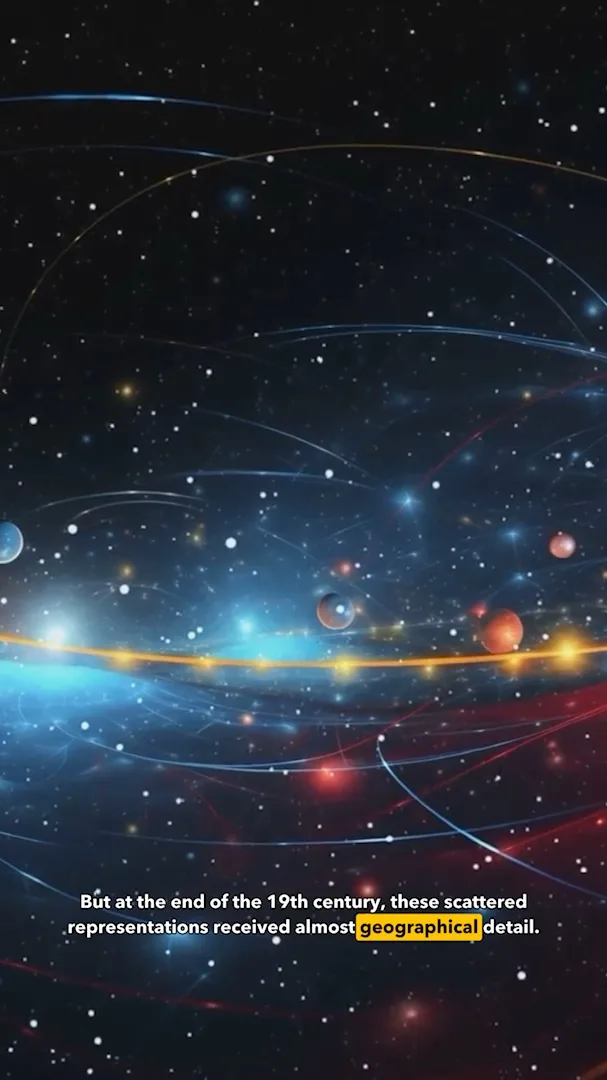
Highlights, 9:16 reframe and safe zones.
5 chaptersWatch: Reframe a long video into Shorts

Reframe and export a whole set.
4 chaptersWatch: Batch Shorts from one edit

Match two cameras, then add a look.
4 chaptersWatch: Wheels, curves and a LUT

Select a subject, track it, limit a grade or blur to it.
4 chaptersWatch: Mask and track a subject


Script, voice, preview and finish, inside the edit.

One upload file and one master, queued.
Seats, sign-in and a new Mac.