
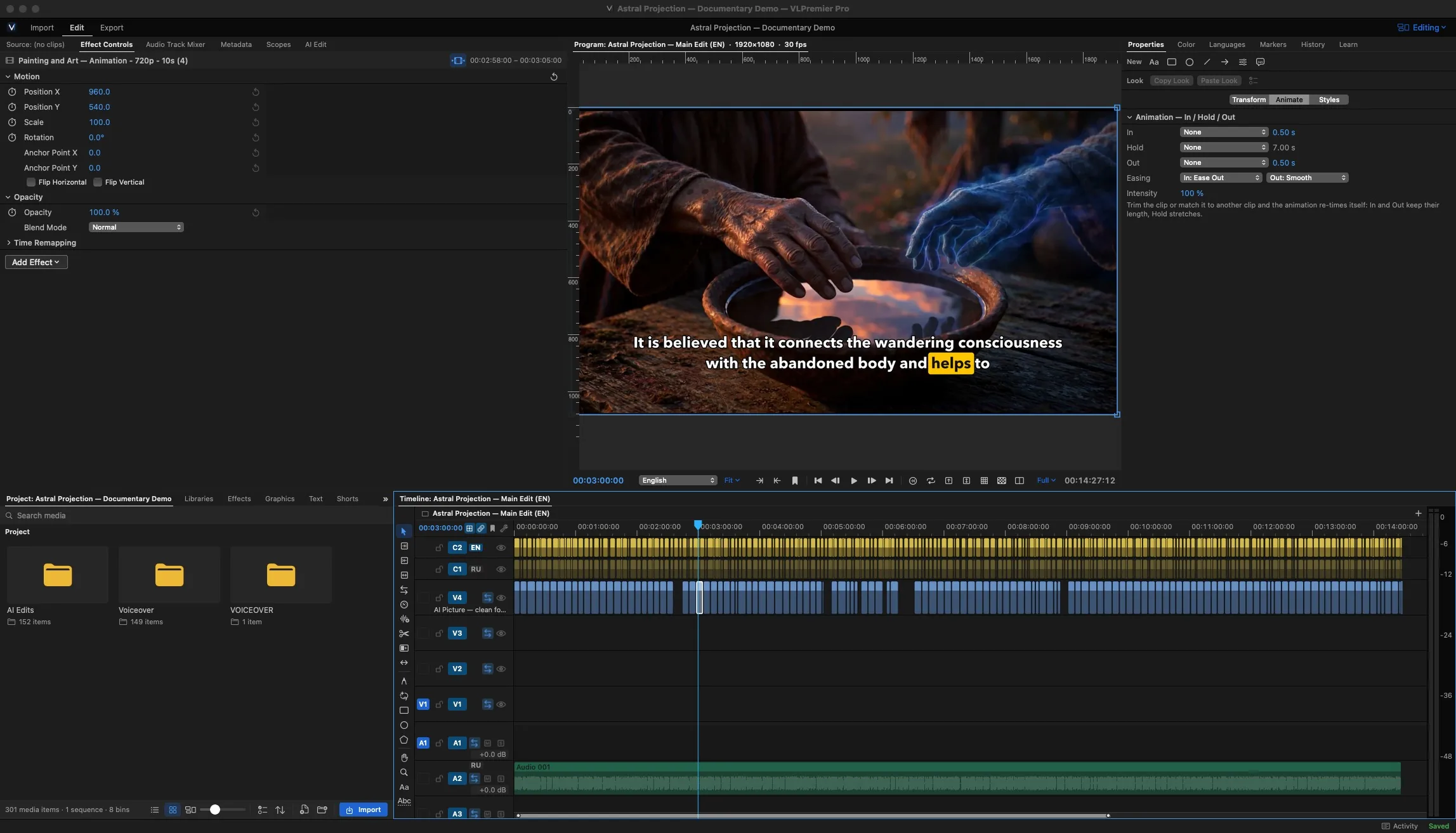
Your first edit: import, cut, export
One narrated video, some b-roll, one finished H.264 file.
Folders, labels and a first sequence.
A well-organized video editing project makes every edit easier. Learn how to create a new project, import media, organize clips into bins, and build your first sequence in VLPremiere Pro.
This beginner tutorial demonstrates project folders, clip labels, metadata notes, searchable bins, and sequence settings. You'll also learn how to match a sequence to your source footage and keep your media organized for larger editing projects.
Perfect for new Mac video editors who want a clean, professional editing workflow.
One narrated video, some b-roll, one finished H.264 file.