
Guides
Every post in Guides.
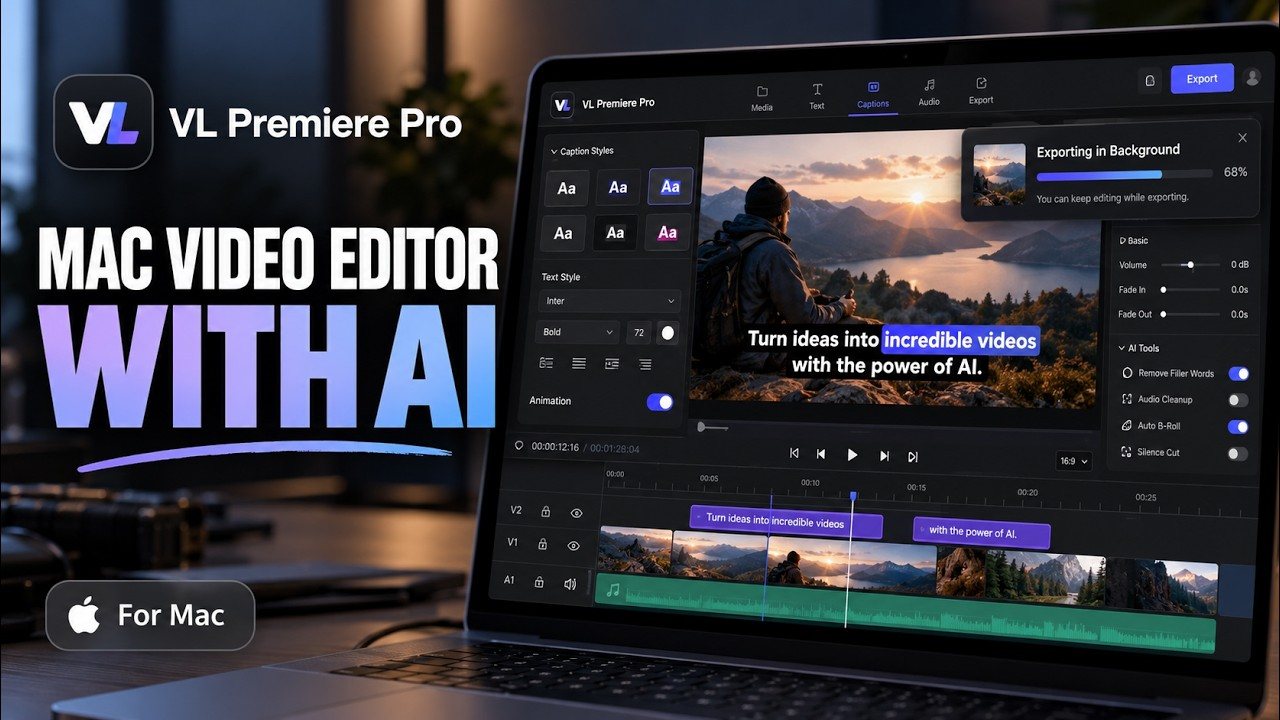
VLPremiere Pro Video Editing Course for Mac
Learn video editing on your Mac with VLPremiere Pro in 20 step-by-step lessons, from beginner to advanced.

Find Shorts: a long video into a week of Shorts
One finished long video already contains a week of Shorts. Find Shorts scores its strongest passages, reframes them vertically, adds animated captions, and batch-exports the set — all inside the same project.

One Film, Many Languages: The Dubbing Workflow
A finished film does not need a separate project for every language. Voiceover Studio translates the captions, then dubs the narration phrase by phrase, fitted to the original timing, inside the same edit.

From Script to Narration: Voiceover Studio
A finished script does not have to leave the editor to become narration. Voiceover Studio divides the script into parts, renders the voice, and places each part on the timeline at the playhead, with a marker for every part.

Captions That Match Your Script: Correct from Script
Transcription gets captions started fast, but names and technical terms are easy to mishear. Correct from Script compares your captions to the narration script you already wrote, so the words on screen match the words you intended.